

Description
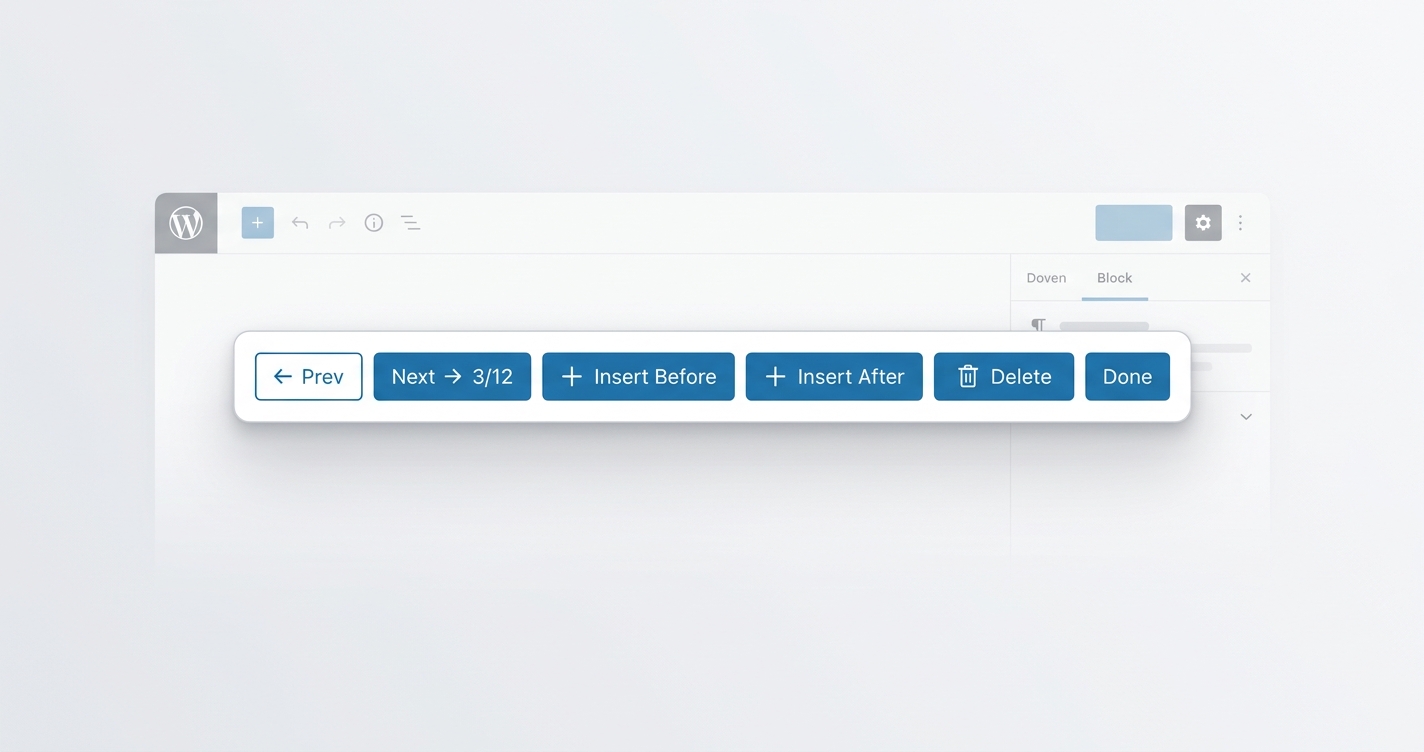
Stop scrolling through pages of ACF blocks just to find the one you want to edit. ACF Block Navigator adds a sleek toolbar to the ACF expanded editor panel with Prev / Next, a live “3 / 12” counter, Insert Before / After with a searchable block picker, and one-click Delete — all without leaving the field editor. It also supports keyboard shortcuts (Cmd/Ctrl + ← / →) and auto-opens blocks the moment you click them. Lightweight, dependency-free, and works with any ACF block type. Just drop in one file — no configuration needed.
ACF Block Navigator — the missing navigation layer for ACF blocks
-
⬅️➡️ Prev / Next buttons — jump through ACF blocks instantly, with wrap-around
-
🔢 Live counter — always know where you are (
3 / 12) -
➕ Insert Before / Insert After — searchable block picker, inserts any ACF block type
-
🗑️ Delete with confirmation — auto-selects the next block so you stay in flow
-
⌨️ Keyboard shortcuts —
Cmd/Ctrl + ←/→to navigate -
🚀 Auto-open — clicking any ACF block opens its editor panel instantly
-
🎨 Native WordPress UI — matches the editor, no third-party libraries
-
⚡ Fast & stable — debounced observers, no page reloads, no freezes
-
🔌 Drop-in install — one PHP file, no config, no dependencies
-
🧩 Works with any ACF block — sliders, heroes, cards, anything you’ve built